Goals:
know when you'll get there
Set a target, add what you've saved, and the app projects your finish date — with a progress ring and a celebration at every milestone.
01 What it does
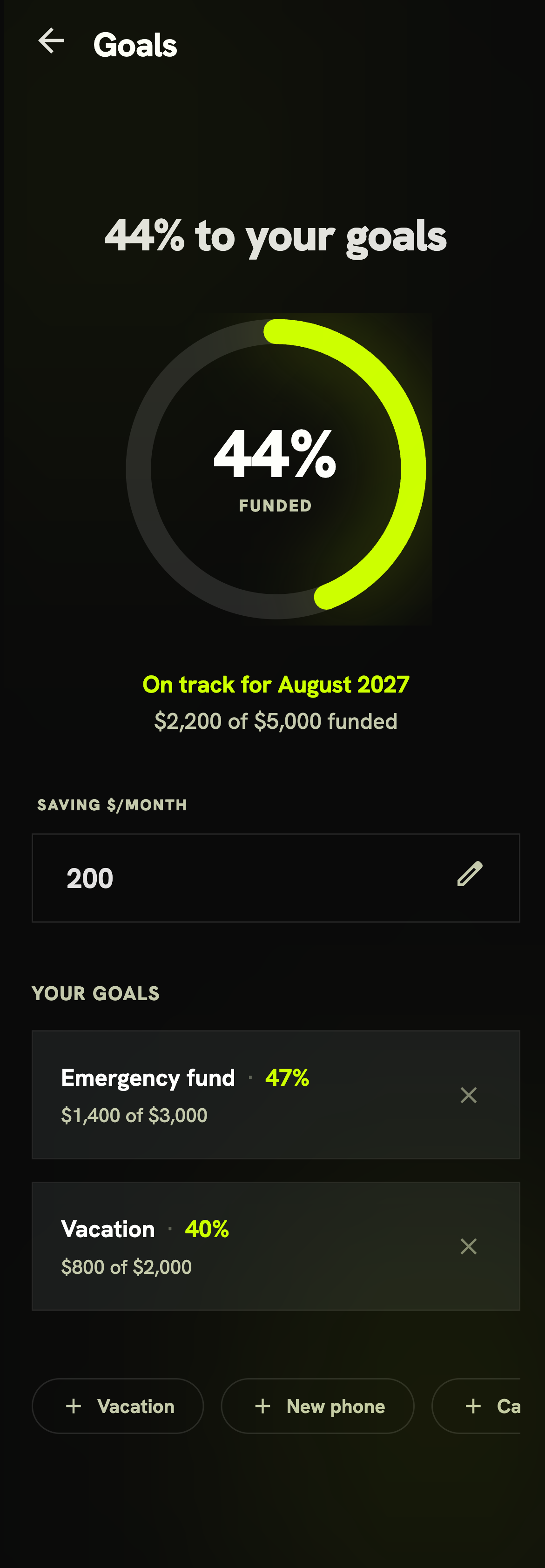
Goals here are money goals — a target amount and how much you've saved so far. They live in one single list, “Your goals”: each row shows the name, the percent, and dollars saved of the target. Tap a row to edit it; tap ✕ to delete (with a quick confirm). There's no separate “entries” list.
- A progress ring — your overall progress across every goal, at a glance.
- An ETA — “on track for August 2027”, computed from your monthly saving.
- What-if — change your monthly amount, the date moves live.
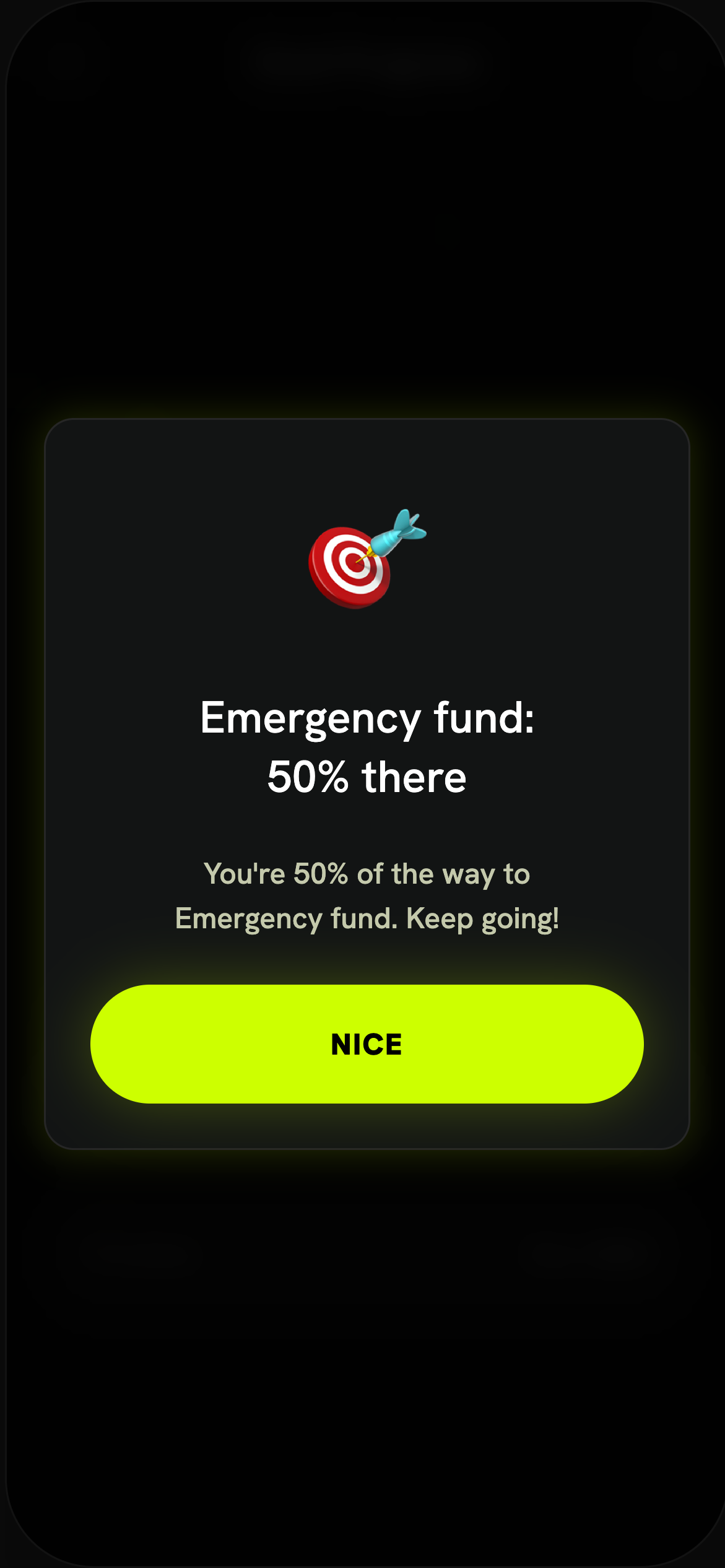
- Milestones celebrated at 25 / 50 / 75 / 100%.
02 Add a goal
Tap a template chip or + Add a goal. Three evergreen defaults are always there — Vacation, New phone, Car — plus any savings-shaped goal you picked in onboarding (Save more → “Savings”, Build an emergency fund → “Emergency fund”). Then fill in:
| Field | Means | Example |
|---|---|---|
| Goal name | What you're saving for | “Emergency fund” |
| Target amount | Your goal total | $3,000 |
| Saved so far | Current balance | $1,400 |
Only savings-type onboarding goals are seeded as chips. “Pay off debt” lives in the Debt Payoff tracker, and behavioural goals (“Understand my spending”, “Reduce impulse spending”) have no dollar target, so they're not here.
03 Your finish date + what-if
Enter Saving $/month and the app projects when you'll reach your goals. Save $200/month against the $2,800 still to go and you're on track for August 2027 (~14 months out). Double it to $400 and the finish date roughly halves — that's your what-if lever. Leave it empty and the app asks for an amount instead of guessing.
04 Milestones worth celebrating
05 Free vs Premium
- Set one goal and see its progress ring.
- Track multiple goals together.
- ETA projection + live what-if.
- Milestone celebrations & a monthly contribution reminder.
Quick start
- Open My Money → Goals.
- Pick a template or add a goal: name, target, saved so far.
- Enter Saving $/month to see your finish date.
- Try a bigger amount → watch the date move earlier.
- Add to it each month — celebrate every milestone.